The task
SHIFT Studio is a local AI video dubbing studio for Apple Silicon Macs and Windows.
AI dubbing usually requires a whole stack of models: speech recognition, translation, speech synthesis, voice cloning and separating the voice from the music. Each one has to be found, installed, matched to your hardware and wired together with the rest, which is a job for an engineer rather than a video creator. Cloud services solve this, but they are paid, limited in minutes and require uploading your footage to someone else's servers. The goal of the project was to make dubbing accessible to someone with no technical background: they download a single app, and from then on all they need to do is drag a video into the window.
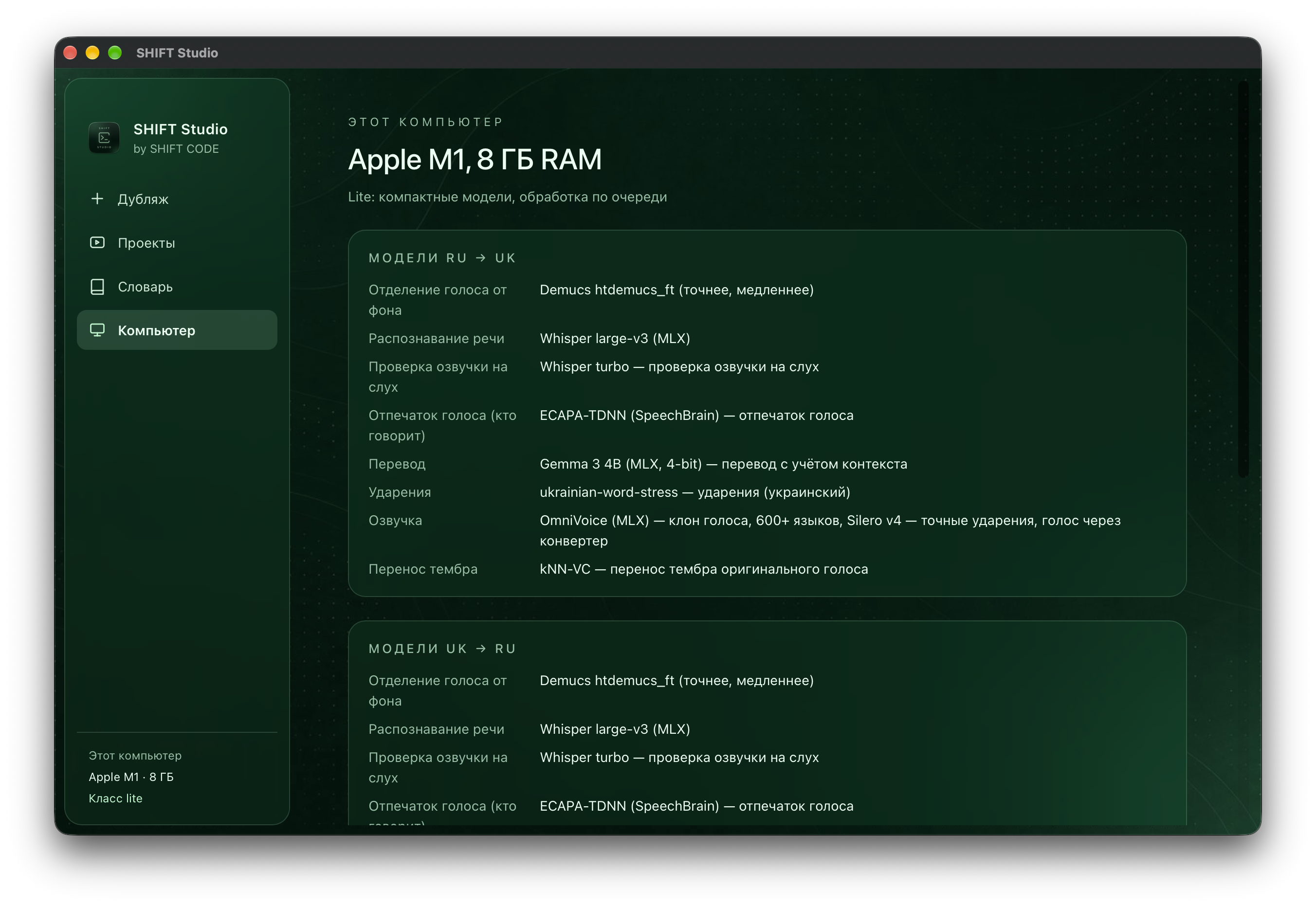
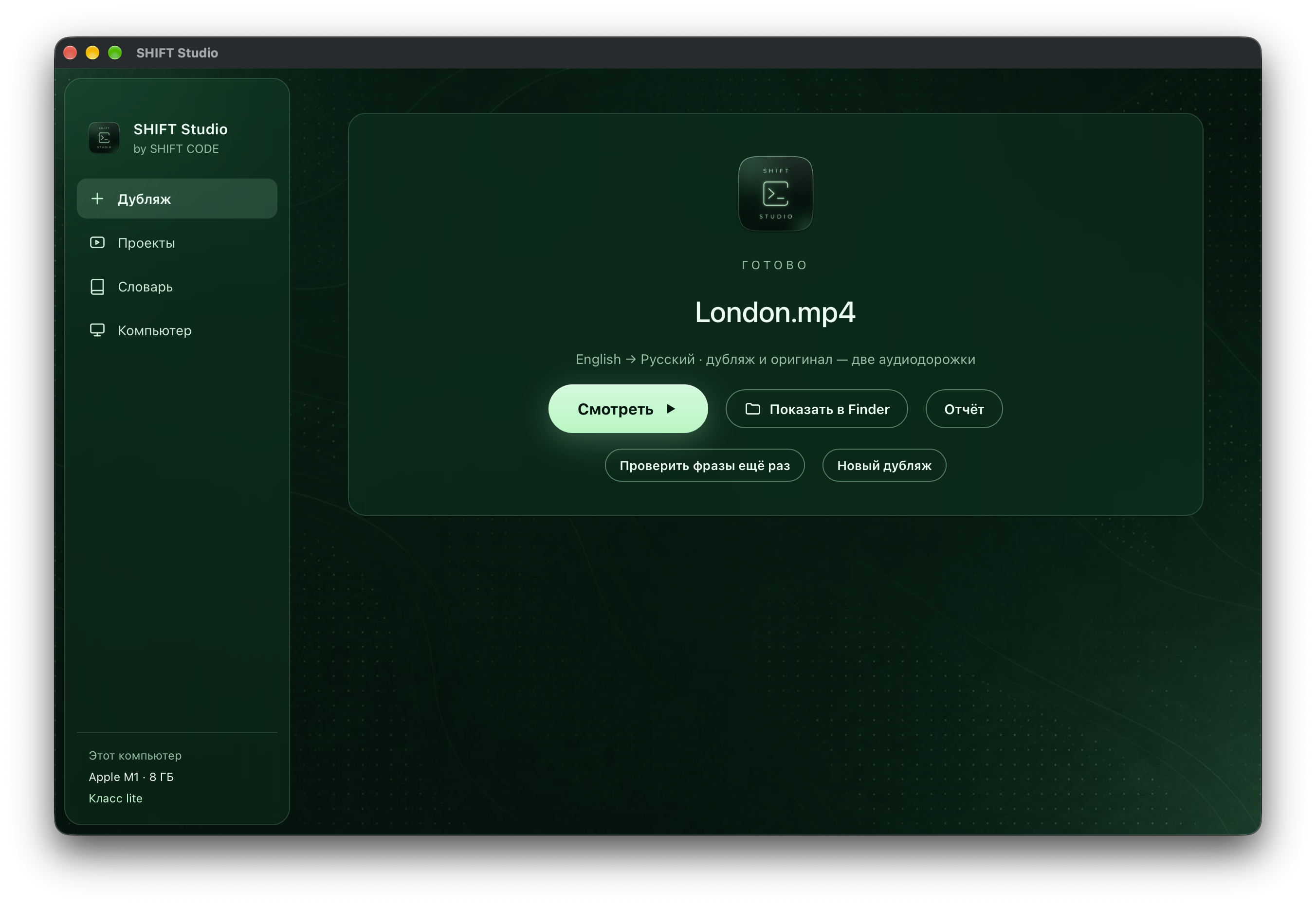
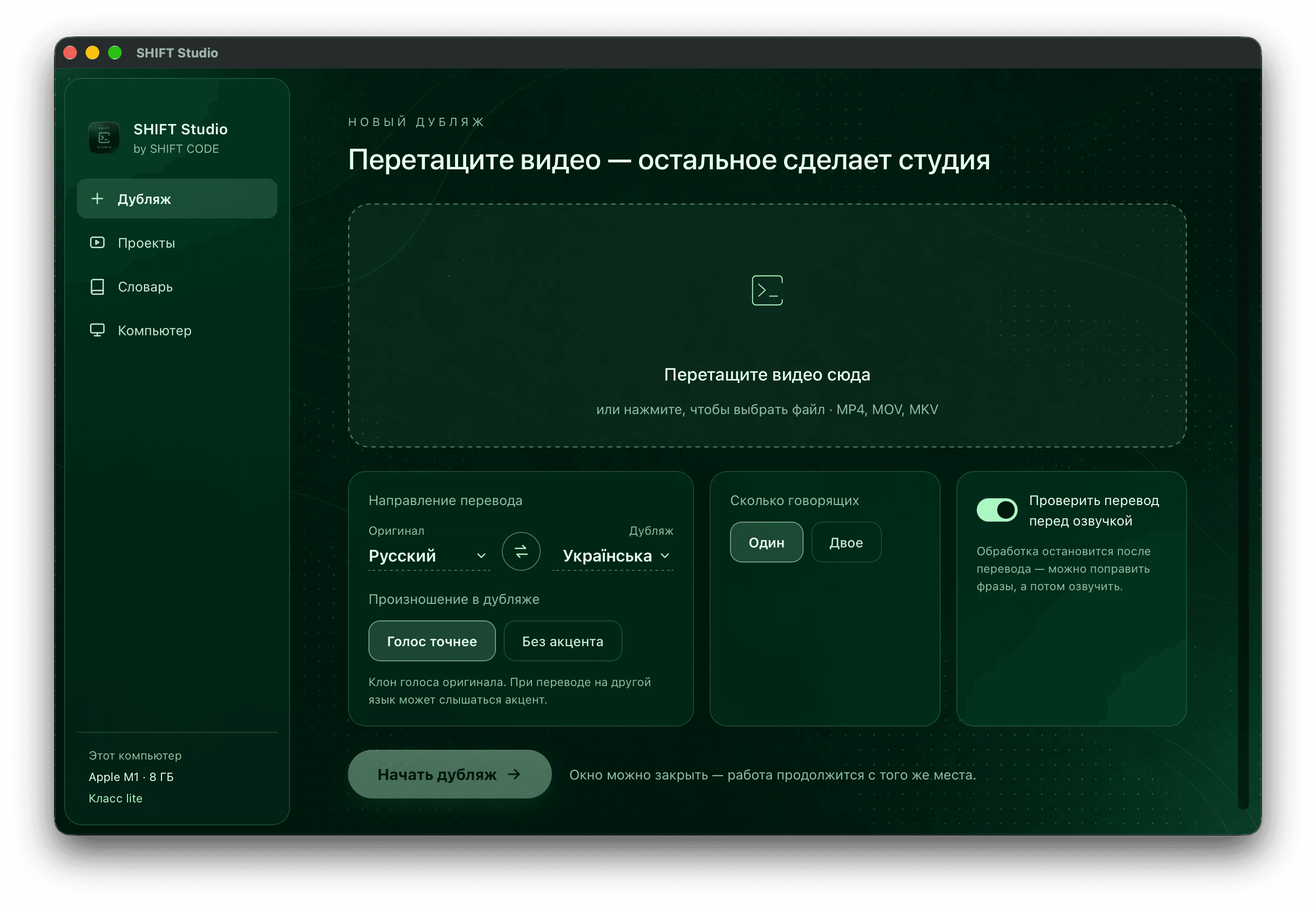
During installation the app detects the processor, memory and graphics card, places the computer into a performance class and downloads models tailored to it: compact ones on a laptop with 8 GB of RAM, the largest and highest-quality ones on a powerful machine. The user only picks the languages and the number of speakers, and gets back a video with the translation voiced in the original speaker's voice, precisely on the timecodes, with the music and background kept, plus subtitles and the original audio track. For those who care about clean pronunciation there is an accent-free mode, where a native speaker voice does the dubbing and the original timbre is transferred by a separate model.
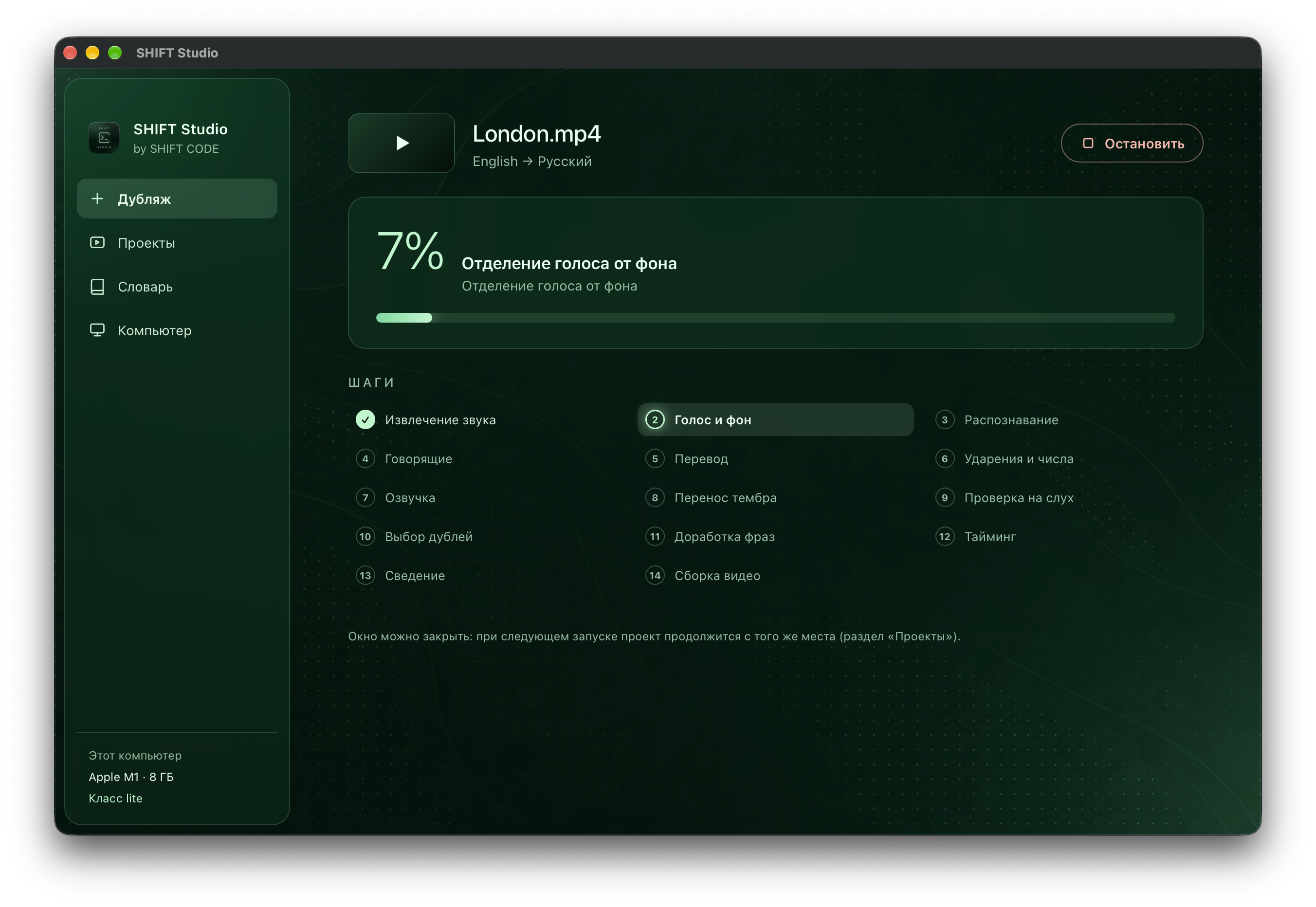
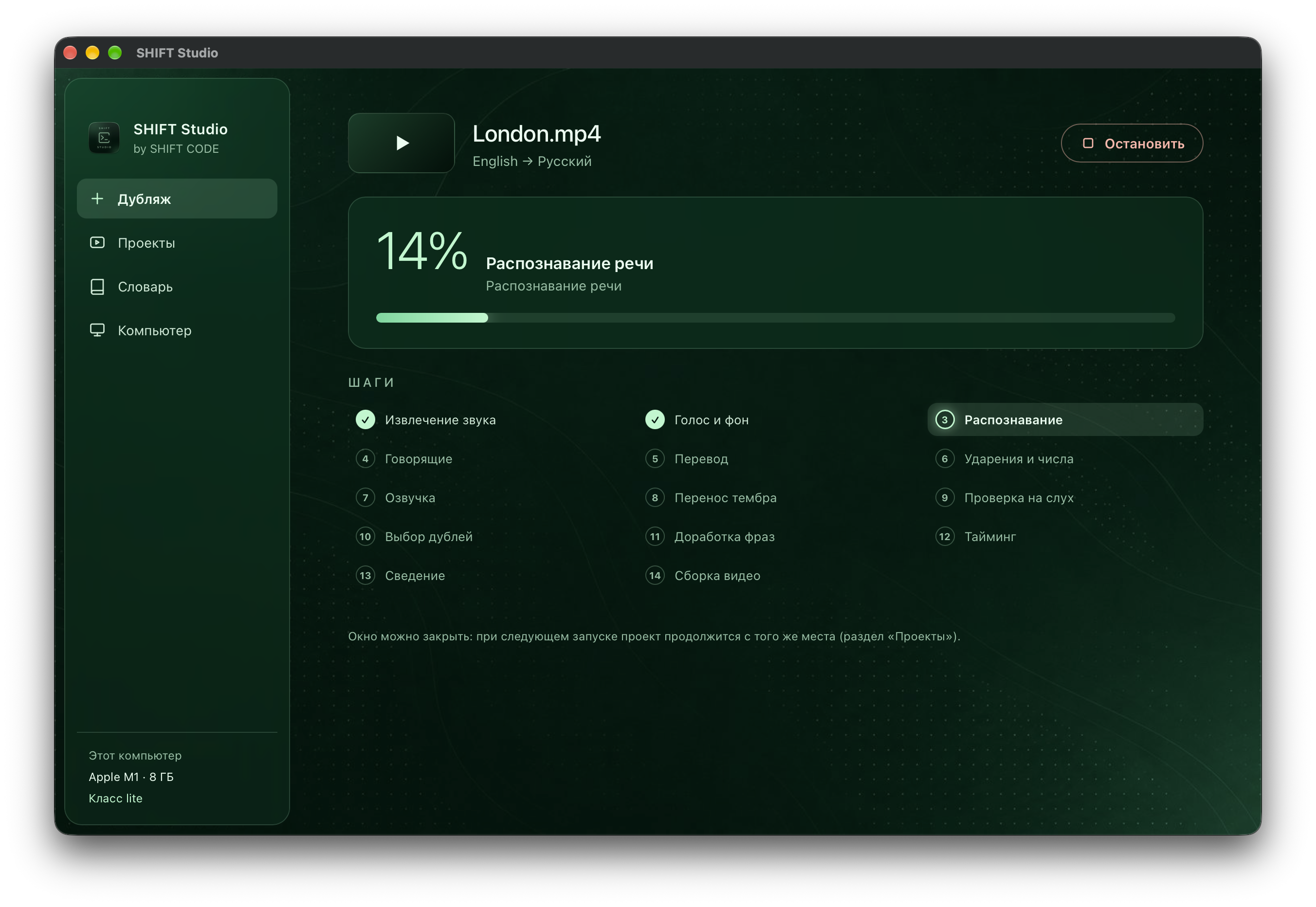
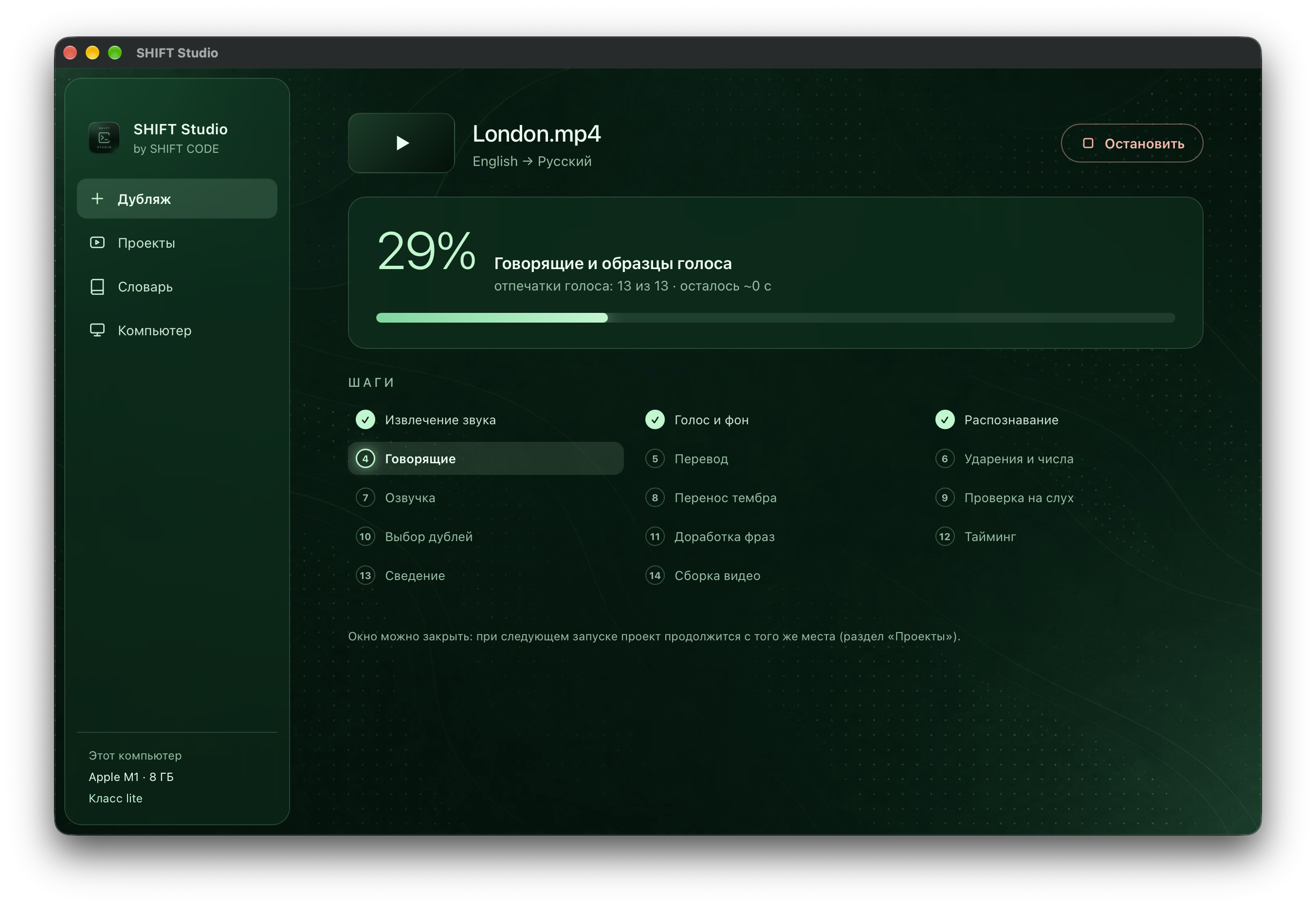
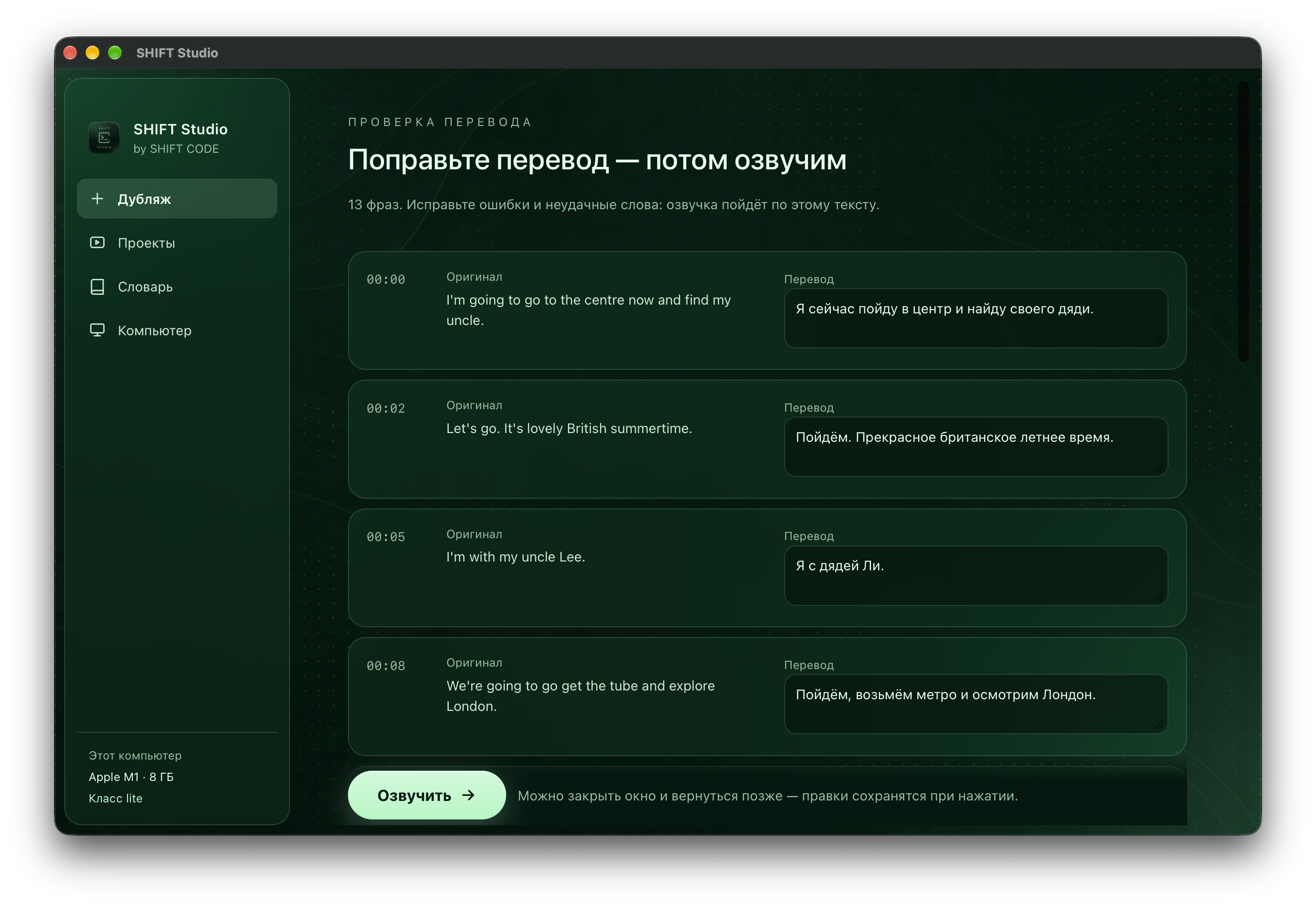
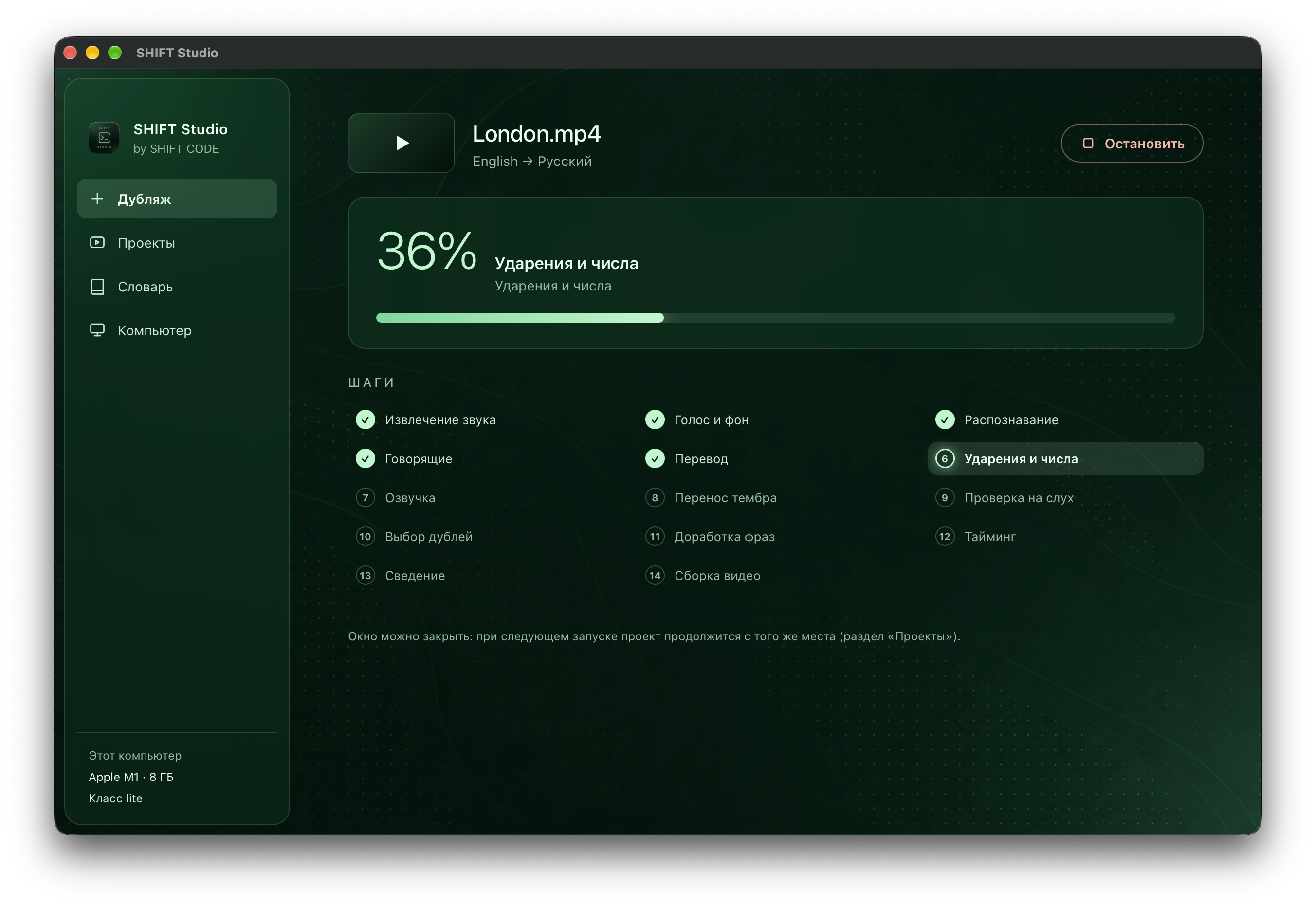
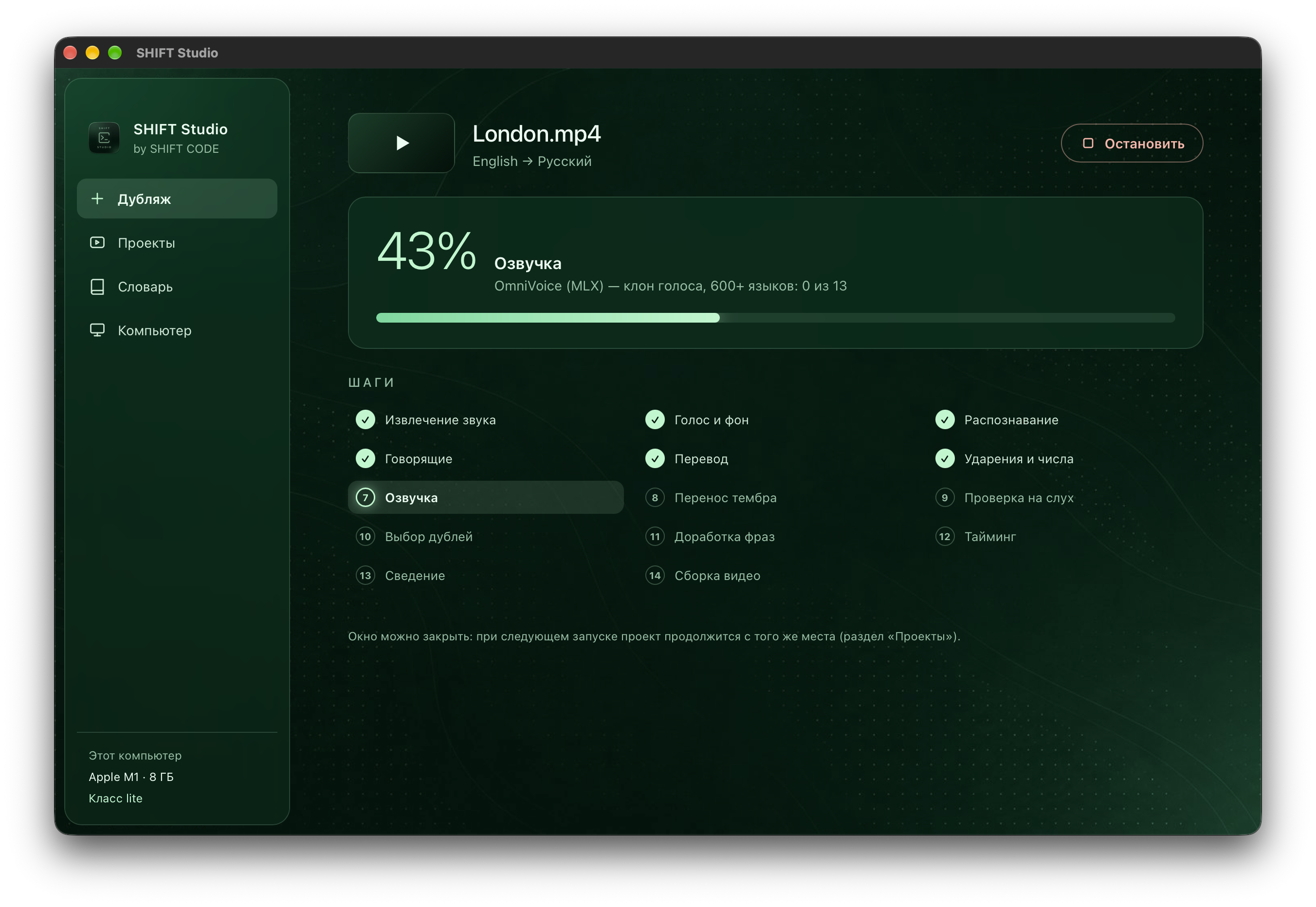
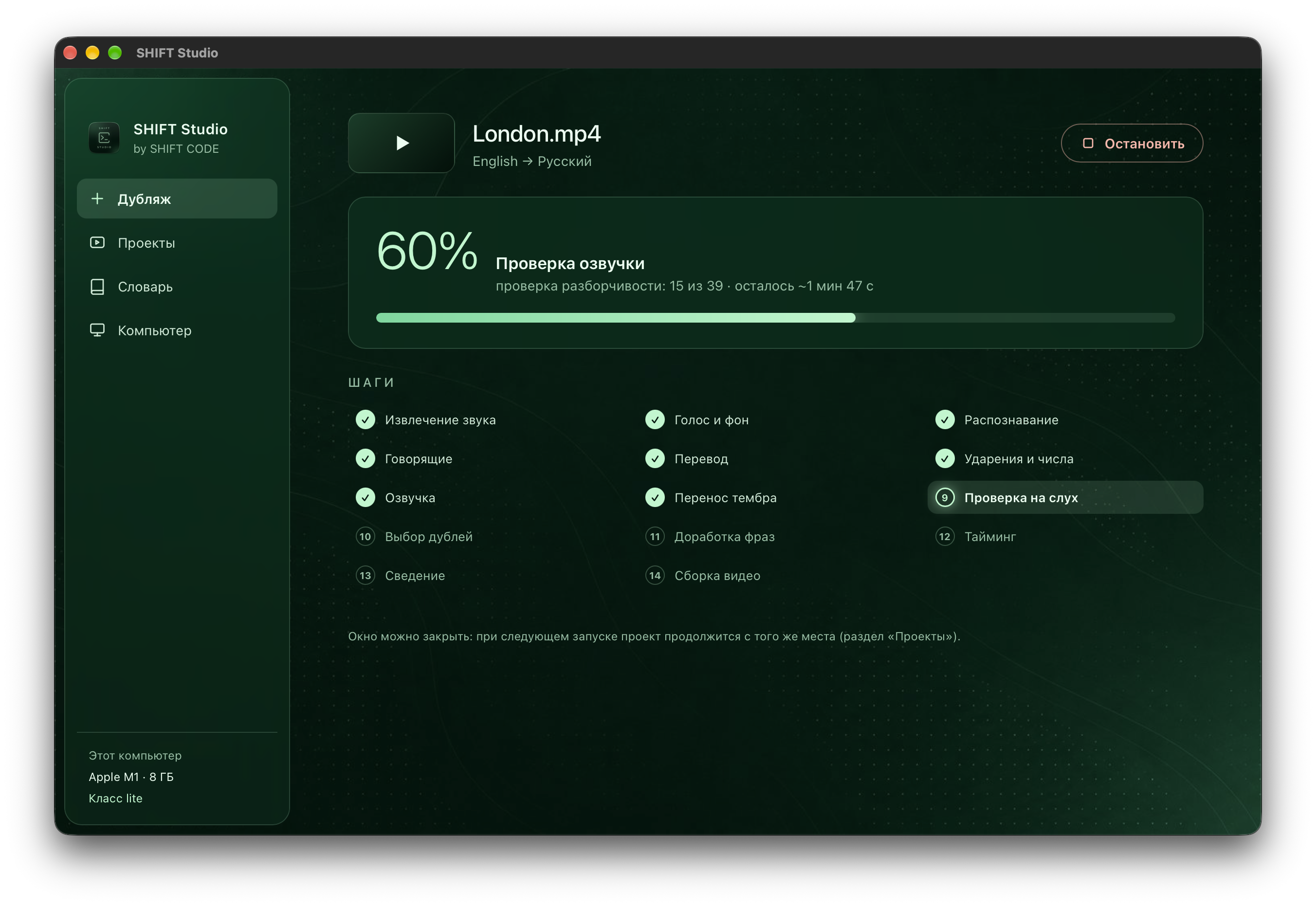
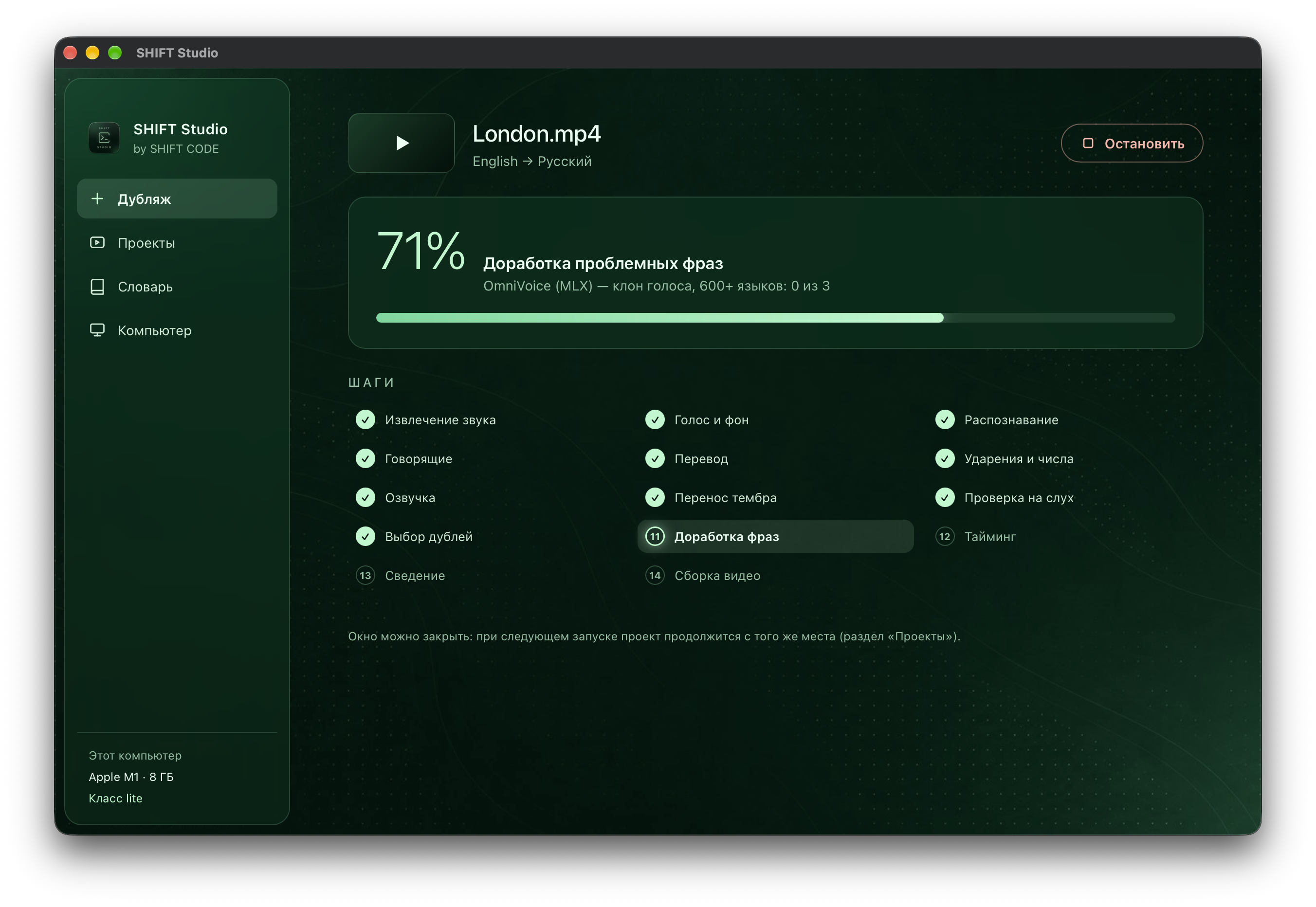
Under the hood runs a thirteen-step pipeline. The audio is extracted from the video, the voice is separated from the background, speech is transcribed with word-level timestamps and split by speaker, then translated with awareness of context and phrase length, given correct word stress and voiced. Every phrase is synthesized in several takes by different engines; each take is transcribed back and compared against the text, and the voice is compared against the original. The app picks the best take on its own, re-voices unclear phrases and shortens ones that are too long, fits the timing to the original pauses and mixes the loudness with the background. If desired, the translation can be edited before voicing, and any phrase can be reviewed and re-voiced individually. Each step runs in a separate process and the model is fully unloaded from memory afterwards, so even a computer with 8 GB can use models that would never fit into memory together. Everything works offline: the internet is needed only once, to download the models.
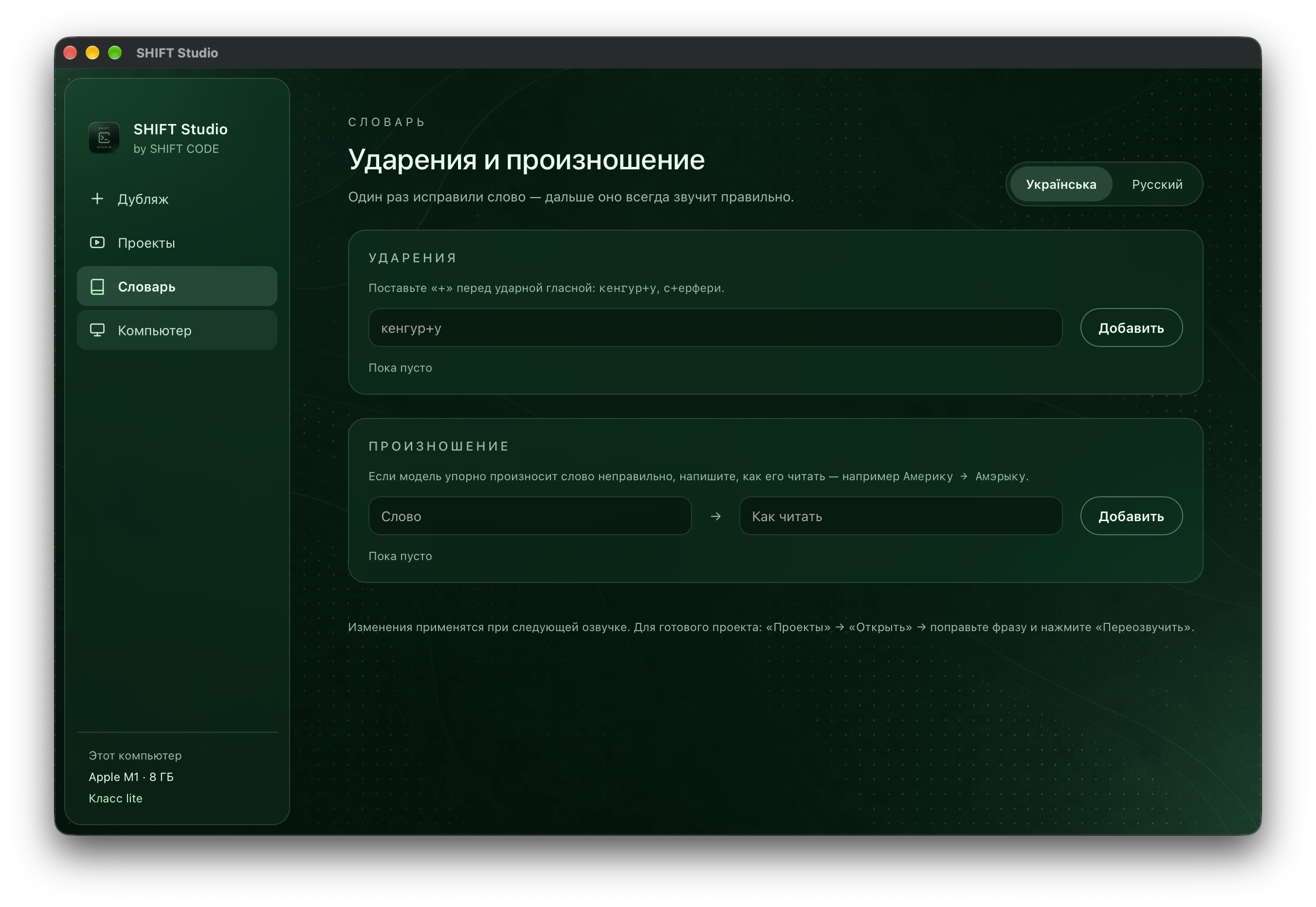
Voice separation is handled by Demucs, speech recognition and voice-over verification by Whisper large-v3 and large-v3 turbo, and speaker identification by ECAPA-TDNN from SpeechBrain. Translation is done by the Gemma 3 and Qwen3 language models or NLLB-200, while word stress is placed by RUAccent and ukrainian-word-stress. Speech is synthesized by OmniVoice, KugelAudio, XTTS-v2 and Silero, and the timbre is transferred by kNN-VC. All models are described in an extensible catalog, so a new model can be added with a single entry and the app decides by itself whether it suits the user's computer.
The app is written in Python. The machine learning side is built on PyTorch, Hugging Face Transformers and SpeechBrain; on Mac, computation is accelerated with Apple MLX and 4-bit language models, and on Windows with CUDA on NVIDIA graphics cards. Audio and video processing relies on ffmpeg, Rubber Band and librosa. The desktop app is built with pywebview, with an HTML, CSS and JavaScript interface in the SHIFT CODE brand style, and there is also a full command-line interface. The installers are written in Bash and PowerShell using the uv environment manager, and the whole pipeline is covered by pytest tests.
The result is a cross-platform app that selects and installs more than 25 neural network models for each specific computer by itself, runs fully locally and dubs between 12 languages in a single step.