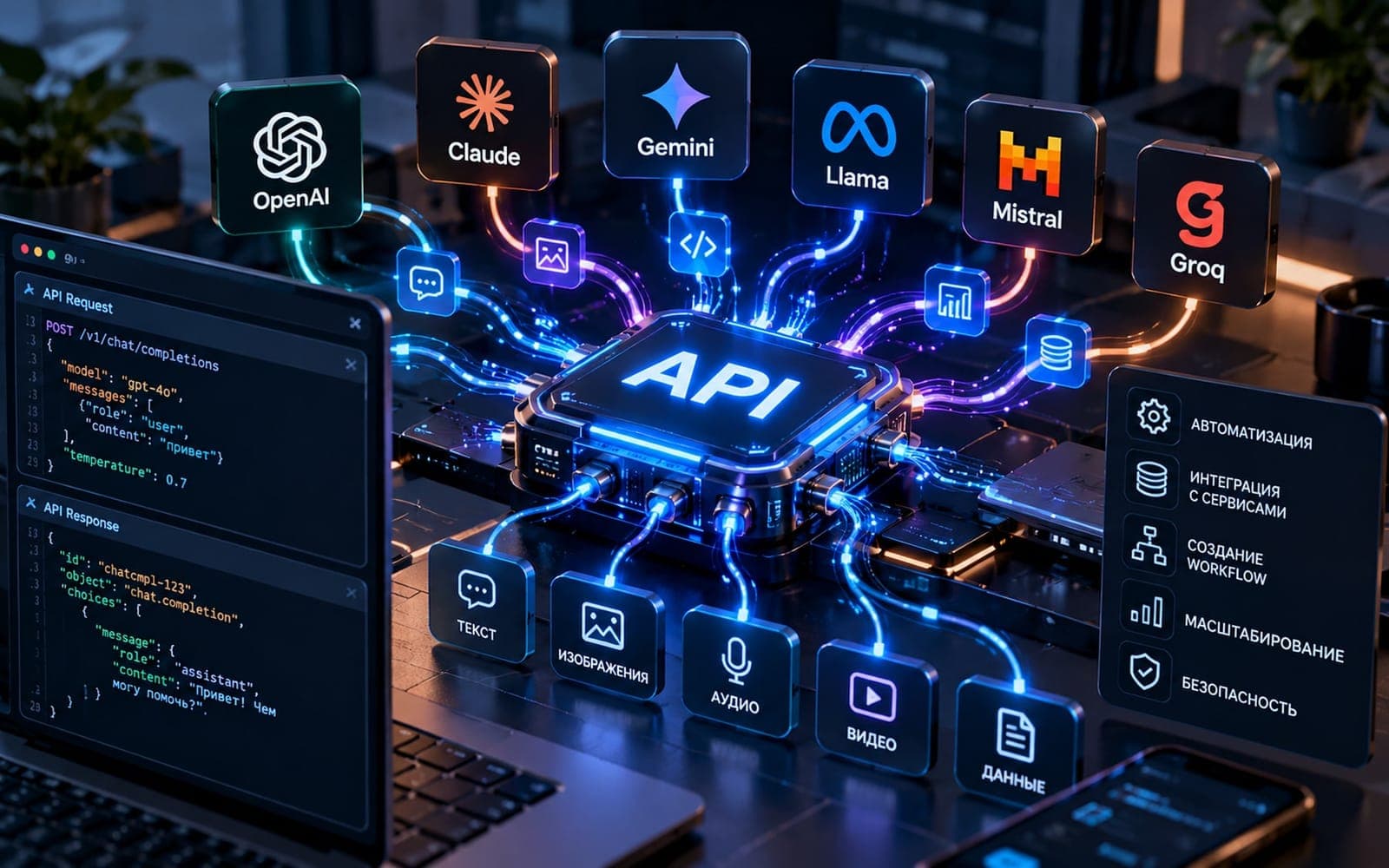
A product can work on one developer's machine and fail when it reaches a server. Docker packages an application and its runtime dependencies into an image that can run as a container. This makes environments more repeatable and releases easier to describe. Containers do not automatically provide backups, security, monitoring or an architecture that survives a server failure.
What belongs in an image
Include the application and dependencies it needs to start, but keep passwords and environment-specific settings outside the image. Pin dependency versions and rebuild images when security updates arrive. A small, well-defined image is easier to inspect and deploy than one that quietly installs tools at startup.
Treat data differently
A container may be replaced at any time. Customer uploads and database files need persistent storage and backup rules, not a writable layer that disappears with the container. Test restart and recovery paths before relying on the setup for production data.
Use it where repetition matters
Docker helps teams align local development, automated tests and deployment. It is useful when a product has several services or needs a reproducible release. For a simple application on a managed platform, container orchestration may add more moving parts than value. Choose the smallest operational setup that meets the reliability target.
Release discipline remains necessary
Check health before switching traffic, retain a previous version and know how to roll back. Log failures outside the container and monitor the service from a user's point of view. The image is a delivery unit; a dependable release is a tested process around it.